Home > Working with Planning Projects > Building an Application > Building Application Models > Building A Transaction Model > Basic Set Up
Basic Set Up
Last Updated 3/8/2012 1:26 AM
To access the Model Building Wizard, select Cascade Planning Help (BASIC)>Modelling>Model Building (note that FY Plan is the folder create for our project, your project name will be different.
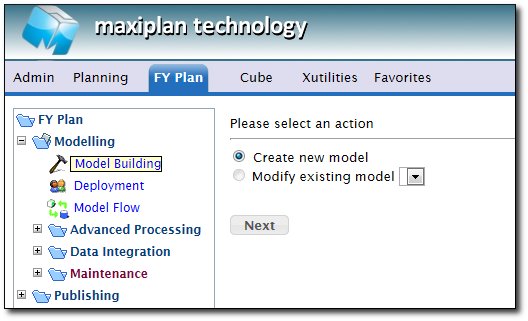
The wizard will prompt whether you wish to create a new model or edit an existing one.
We are creating a new model, so we select the 'Create New Model' option. Then click  . .
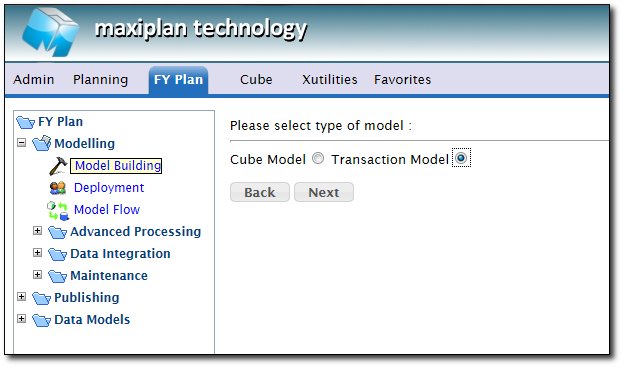
When prompted to select the type of model, we select 'Transanction Model'. Then click .
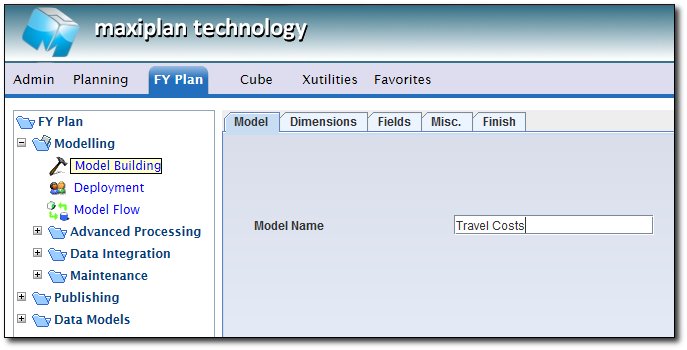
The wizard opens up the Transaction Model definition applet, and we can now commence the process of building our transactional model.
The first tab is where we enter the name of the model and any description we wish to add. Our model will be named Travel Costs.
See also
See also
| 


 Page URL: