Home > Working with Planning Projects > Building an Application > Building Application Models > Building A Transaction Model > Optional Validation for Text, Date, Integer & Value Field
Optional Validation for Text, Date, Integer & Value Field
Last Updated 2/28/2012 2:44 AM
There are some optional validation option for Text, Date, Integer & Value field, which can be used to validate the data input, which can be activated by clicking on the option button for each field.
Validation option for TEXT field
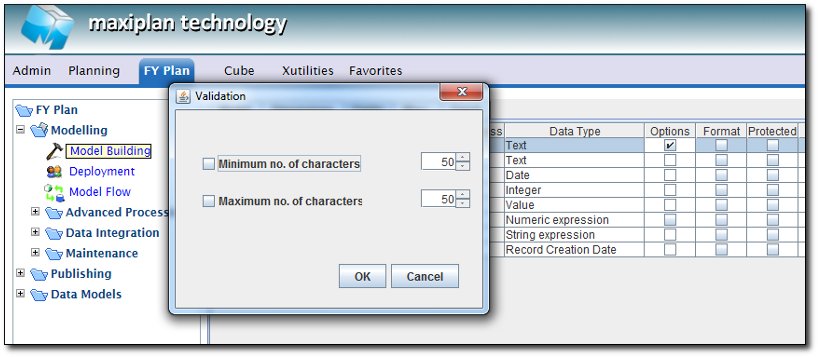
We can specify the minimum no. of characters, and the maximum no. of characters for the TEXT field (with the maximum no. of characters is 255)
Validation option for DATE field
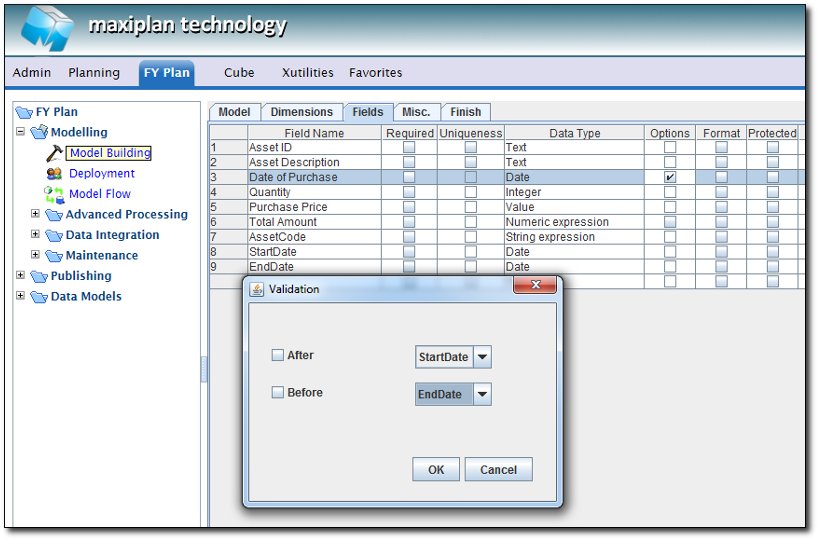
We can validate the input date to be after StartDate field and/or before the EndDate field as above example
Validation option for INTEGER field
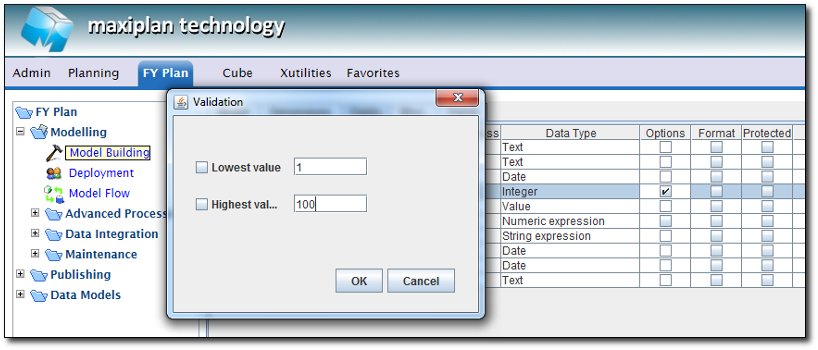
We can define the lowest value & highest value of the integer data input.
Validation Option for VALUE field
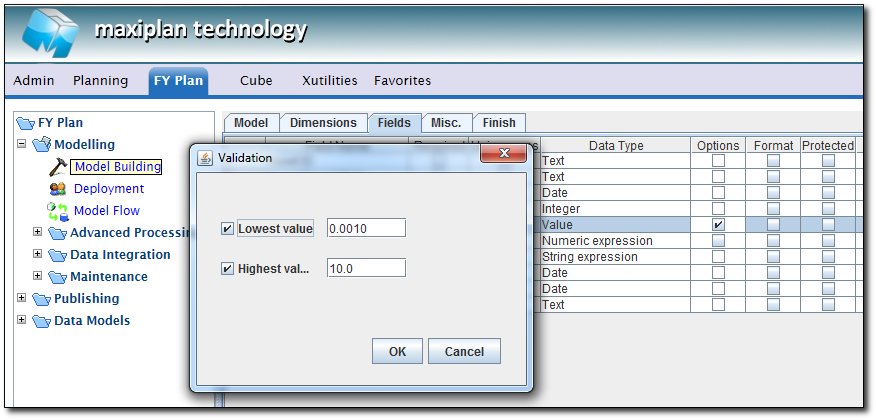
We can define the lowest value & highest value (float type, with decimal point) of the integer data input.
See also
| 


 Page URL: