Home > Working with Planning Projects > Project Management > Project Status
Project Status
Last Updated 3/9/2012 2:01 AM
Project Status defines the status of the project, whether it's Online (Accessible to users) or Offline (Not Accessible to users)
By default, when a project is created, it will be Online. If a project does not have any splash screen,the Project Status screen will be displayed.
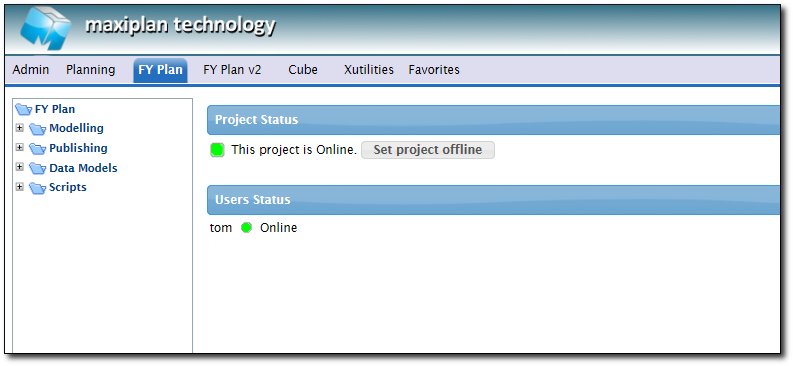
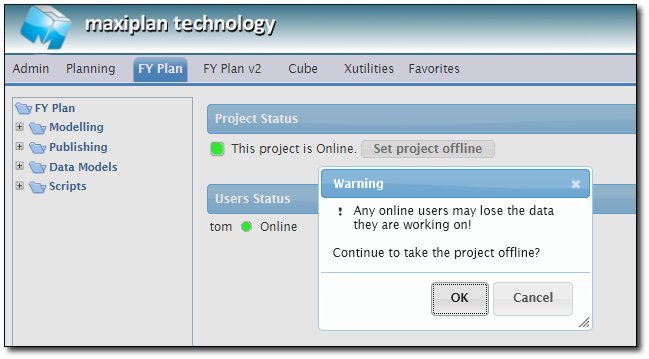
Project Owner can set the project status to be offline by clicking on the button Set Project Offline, a warning message will popup as below :
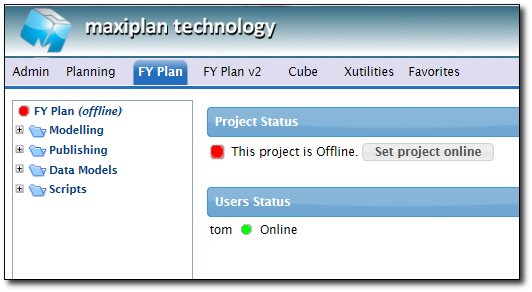
Once confirmed, the status of the project will be taken offline. Once it's offline, users won't be able to access it.
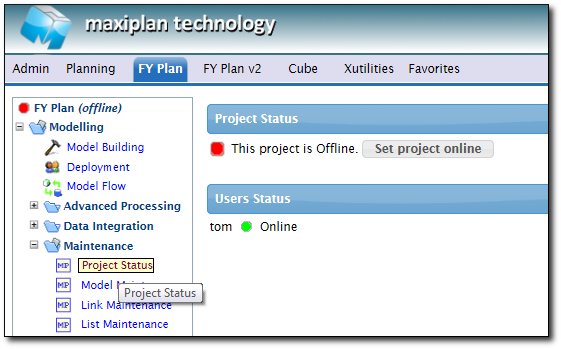
The other way to set the project status is via : Modelling > Maintenance > Project Status
See also
| 


 Page URL: